January 22nd, 2026
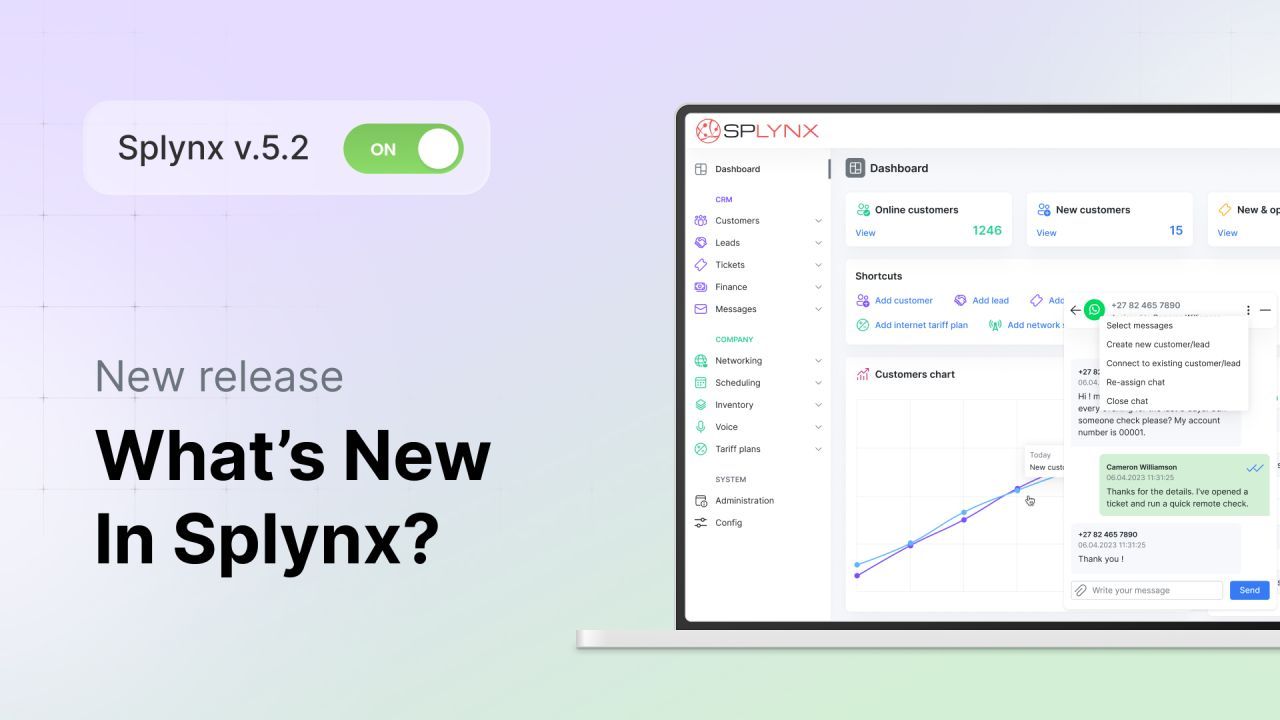
Release notes – Splynx v.5.2
Key System Changes and New Features
WhatsApp integration improvements
WhatsApp’s integration architecture was rewritten and optimized with numerous backend changes to improve stability and ensure more reliable client communication at scale. It runs natively now, as part of Splynx, so messages load noticeably faster and sessions are more stable on instances with 100K+ customers actively chatting through WhatsApp.
These backend changes also provide a much-needed technical foundation for our plans to enable RCS (Rich Communication Services) for two-way, interactive conversations and support other messaging platforms in future releases. It will drastically extend the list of supported communication channels, combining them all under “one-window” chat inside Splynx.
Link or unlink a phone to a different customer in WhatsApp
If a phone number was saved to the wrong lead or customer, you can now unlink or relink it (with chat history) in a few clicks from Chatbox or the Messengers tab on the profile. Existing tickets linked to chat keep their original customer and are not reassigned during relinking.
After the switch, new WhatsApp messages route to the right lead/customer, agents see the full context, and you avoid duplicate records or lost conversations.
Quick, on-screen formatting for text and hotkeys support
You can now write clearer replies faster. When creating canned responses (pre-configured replies) or just typing in the chatbox, agents can now format text with a compact WYSIWYG toolbar or use common formatting keyboard shortcuts (Ctrl+B for bold, Ctrl+I for italic, Ctrl+Shift+X for strikethrough, etc.). And placeholders with different dynamically updated variables are now available from the same editing toolbar when admins craft templates.
Plus, placeholders now also work for leads (previously, they were used only for customers), saving the sales team a lot of time working with potential customers.
Unanswered chat notifications
New setting to notify the assigned agent by email if a new message hasn’t been answered after a chosen delay (5, 15, or 30 minutes, or Never) to fit your SLA. Handy when chatbox notifications are muted or agents step away.
Plus, placeholders now also work for leads (previously, they were used only for customers), saving the sales team a lot of time working with potential customers.
Finance
Charge for prepaid accounts
To expand billing capabilities for working with prepaid customers, we’ve enabled the collection of active service amounts to be charged for the selected period via your selected payment gateway before the expiration date. You can set a minimum charge amount.

It can be useful when charging small amounts is not profitable due to payment fees. Optionally, you can use the customer’s existing balance to reduce the charge, and you can review totals and per-customer amounts before confirming.
Tax Update Tool
Built earlier this year for “exception cases” like sudden country-wide VAT changes, the Tax Update tool allows you to switch from an old rate to a new one on an effective date with rounding options and VAT-payer control.

In v5.2 we added guardrails and housekeeping so it’s safer when you do need it: instant pre-change backup with one-click restore, ability to revert a long-term change, auto-update Pending services to tariffs with the new TAX and pre-change export of all pending services to a separate log for review. This keeps large tax updates auditable and reversible while you only use it when you need to.
Networking
Multi-Preshared Key (multi-PSK)

With the new Automation tab and Bulk setup wizard, you can set up Multiple Dwelling Units (MDUs) much faster. Select an existing SSID and determine new customers with services for it. Splynx generates new customer records and unique PSKs for them in one go.

We also added multiple PSK bulk actions, such as Reset Password, to simplify customer creation and faster maintenance.
System
Other Enhancements
The v5.2 update includes numerous enhancements, tweaks, and bug fixes to improve system performance and user experience. Here are the changes we’d like to highlight.
Service cancellation from the Customer Portal, so customers can request to stop a service without contacting support in one click.
A complementary Link main account button now appears along with Link sub-account in the Actions menu on customer profile, allowing you to create a Main/Sub pair from either side (main → sub or sub → main), with the same outcome.
Captcha with validity time on both the Admin and Customer portals.
Ability to resend codes for password resets on the Customer portal and log failed attempts.
‘Clear active session’ button on the Administrator page and My Profile to end an admin’s session for security reasons, such as when the password is changed.
Blocked public access to ticket mentions via direct links.
Added validity period in hours for top-ups.
Discover all the Splynx 5.2 changes and improvements in our changelog.
Splynx 5.2 is now generally available and automatically installed on all new instances (and new clients can get a 15-day free trial with no commitment). Customers on active licences can upgrade and take advantage of new features at no additional charge. And for optimal performance, we recommend using the latest Splynx version (you can always check yours under Administration → License → Version). To upgrade, just send the request to support@splynx.com. Our team will handle the upgrade and ensure a smooth transition.